Organising work · Practical guide
How to choose software for your trade business
Start with your actual work: customers, quotes, appointments and materials. Here is what to check during a trial.
Start with a real working day
Before comparing feature lists, think about how a job arrives. A customer calls, you arrange a site visit, prepare a proposal and plan the work. The software should help you follow these steps with information that is easy to find. Choose a simple example as the basis for your trial.
Try it on the device you use most
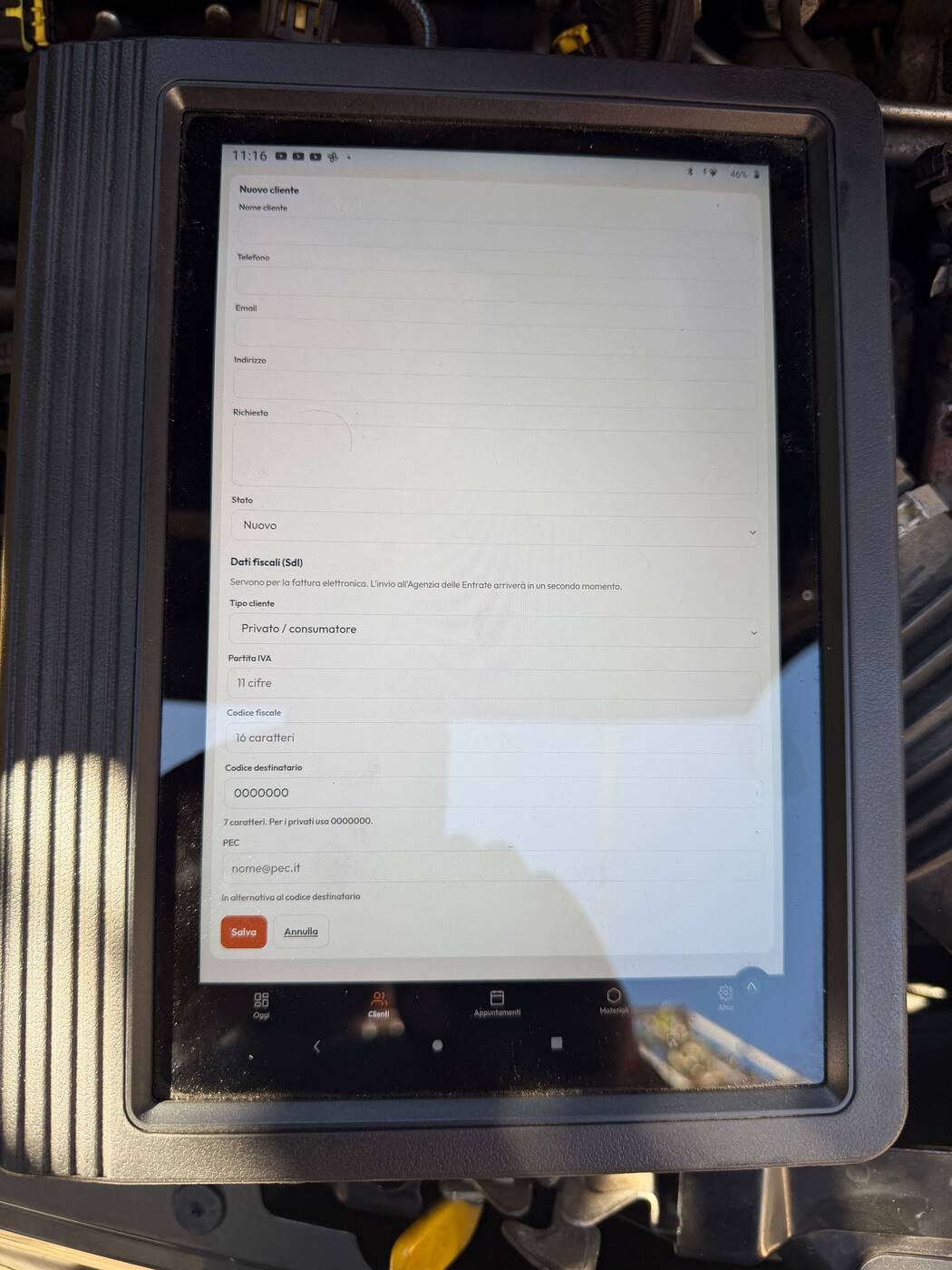
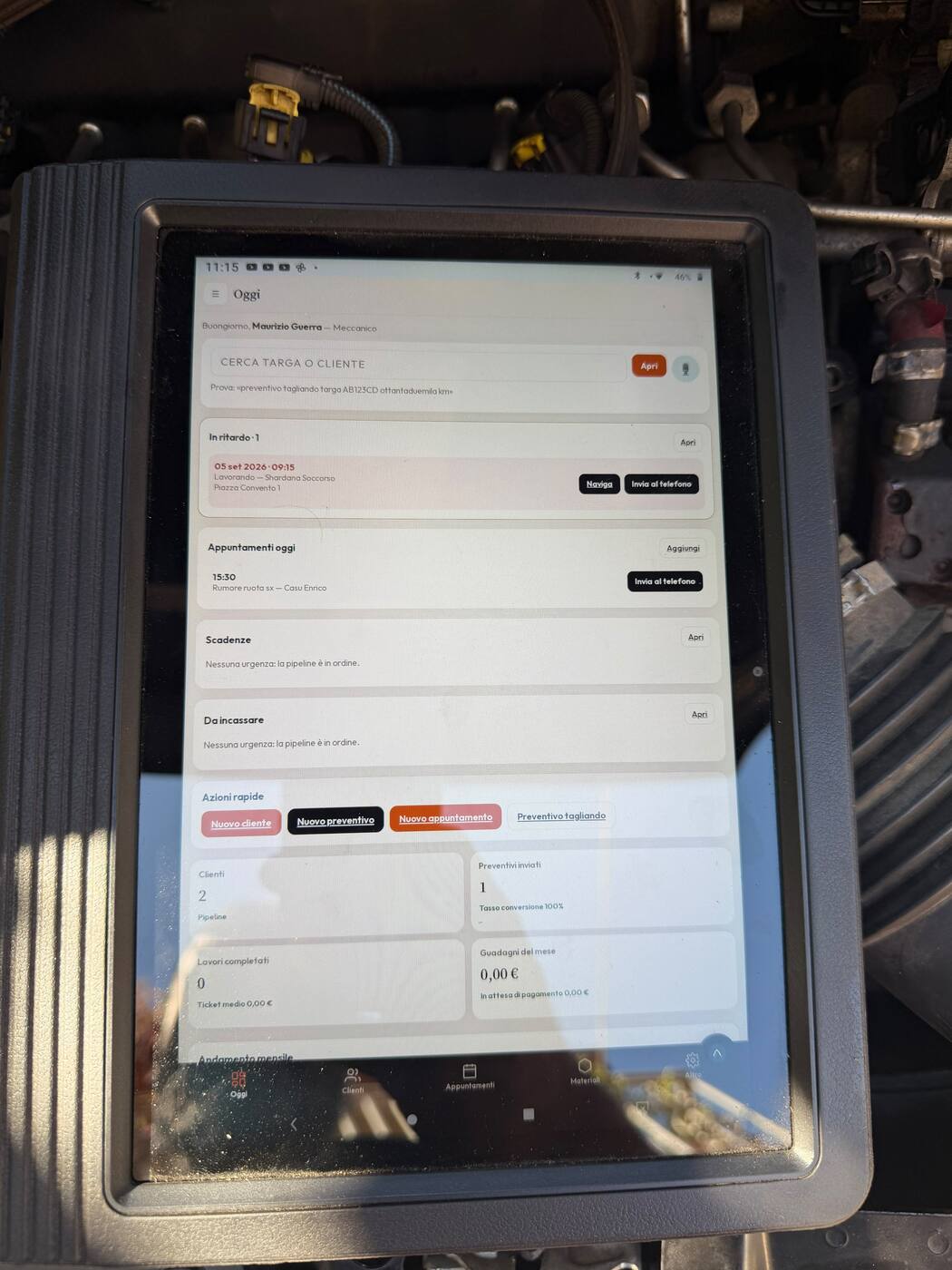
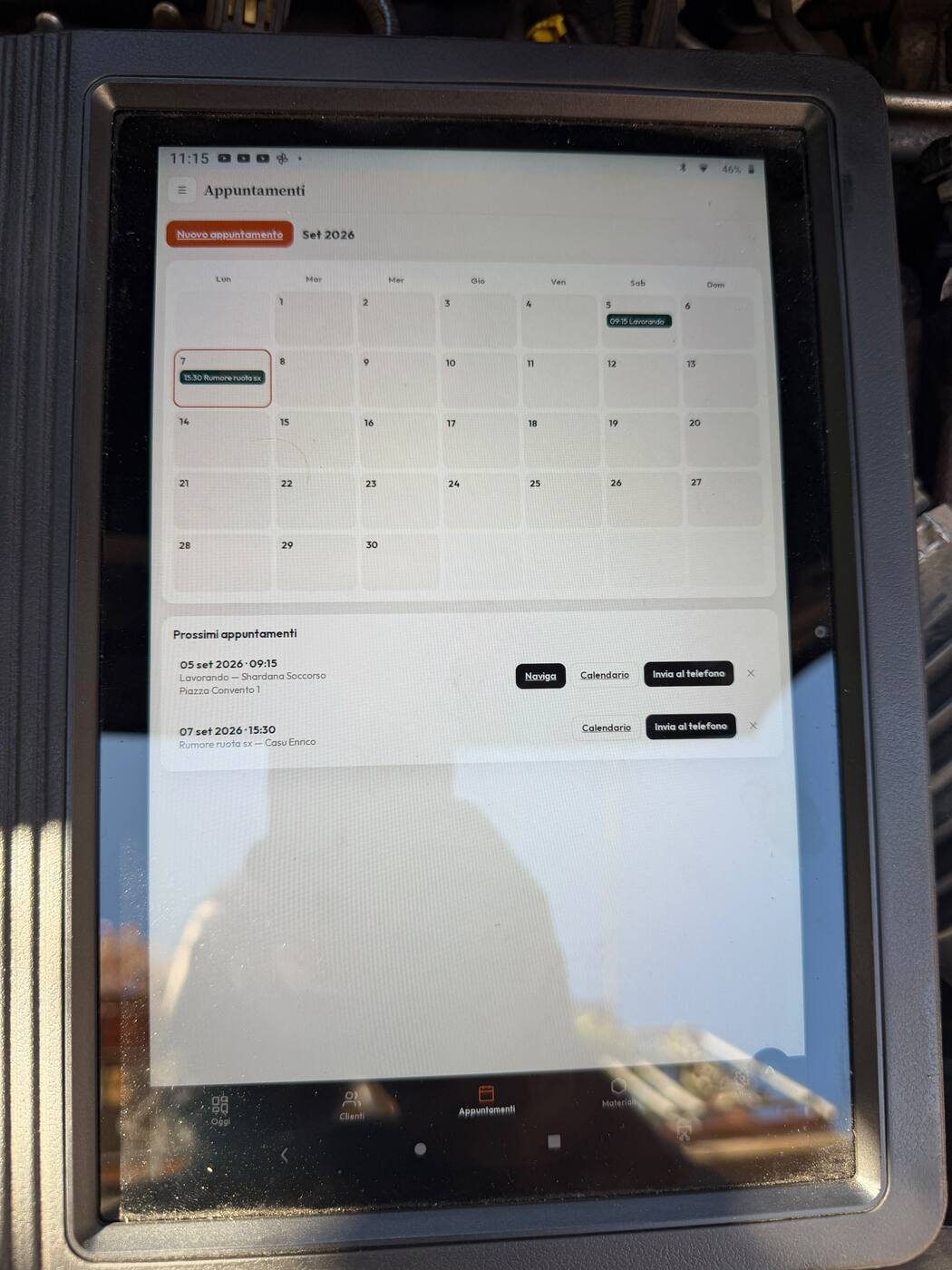
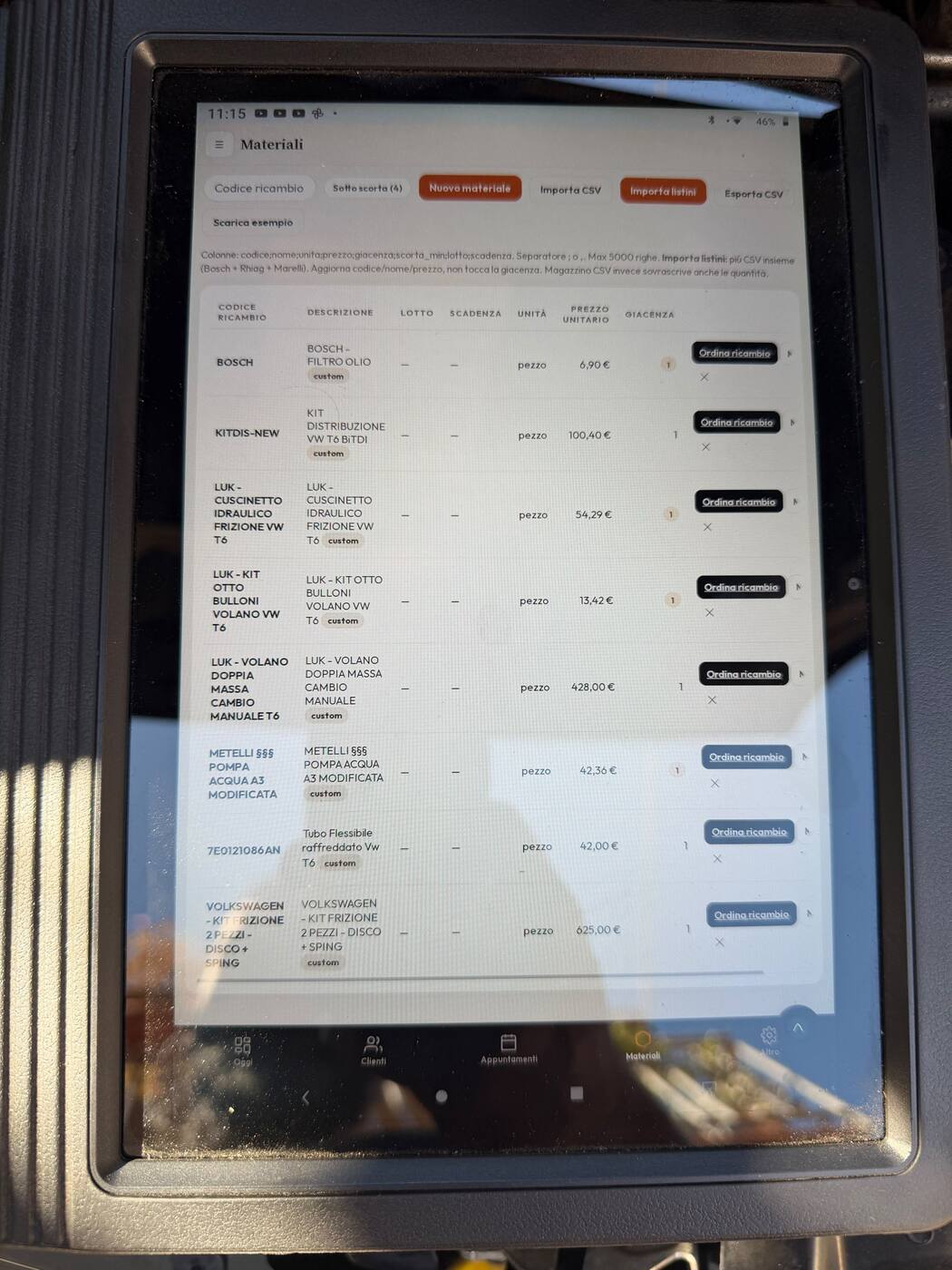
If you often work away from the office, testing on your phone matters as much as testing on a computer. Open a contact, read a proposal and check an appointment. Make sure text is readable and the controls you need are easy to reach. Include your workshop tablet if you use one.
Check plan limits and features
A free plan can be a good starting point if you understand its limits. Compare customer, material and appointment limits with your needs. Consider documents, vehicle management and paid features separately. The price makes sense when it relates to how you will use the service.
Check how it fits your daily work
You do not need to upload all your records on day one. Start small, read the documentation and try a complete workflow. In AtelierX you can explore the plumbing demo or start a 14-day Premium trial. Compare plans to understand what remains available in Base.
Want to see an example in the program? Explore quotes, scheduling and customer management.