On iPhone
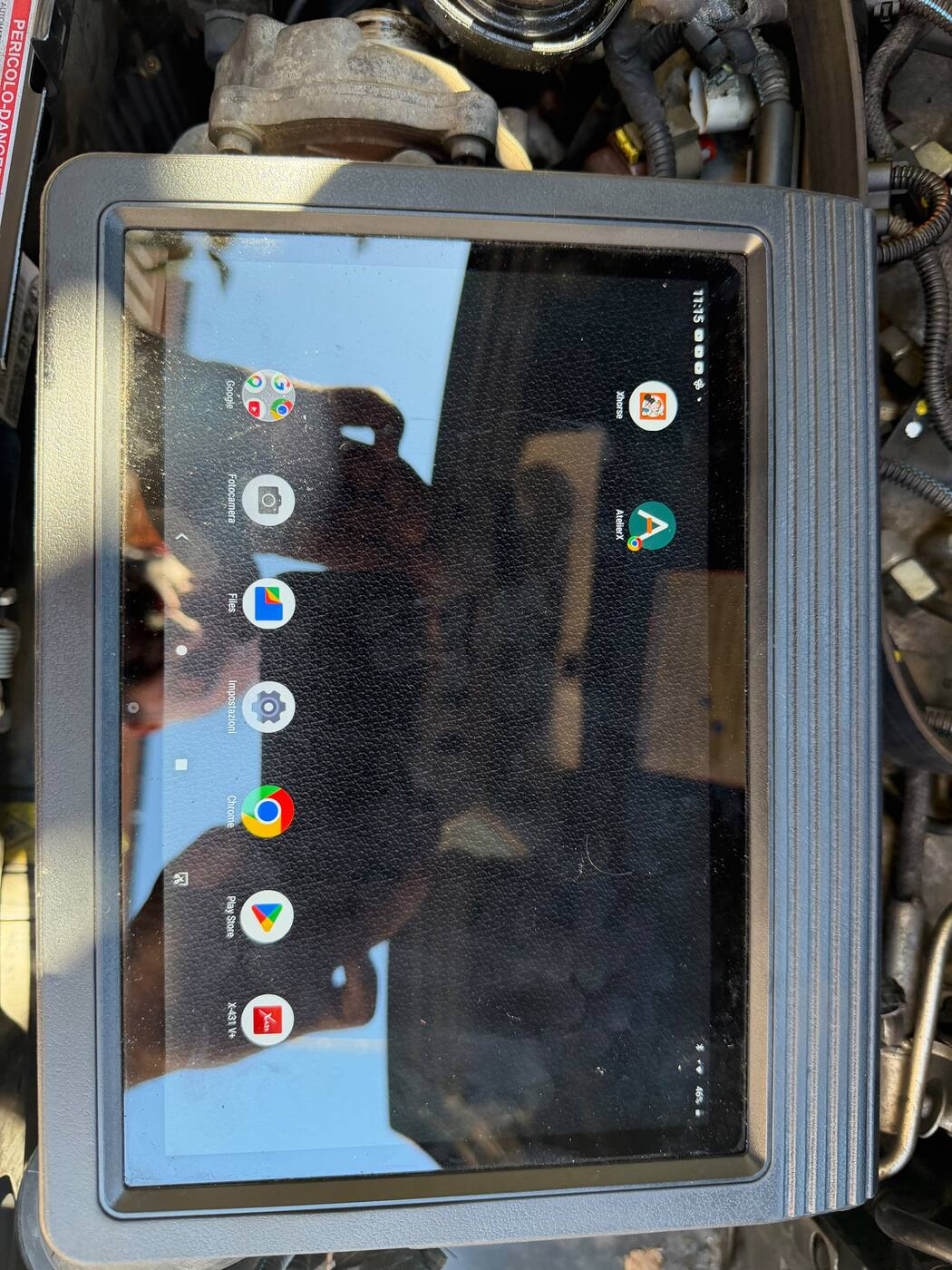
Open atelierx.pro in Safari. Find “Add to Home Screen” in the share menu and confirm the name.
for trades
AtelierX on your phone
Sign in through your browser using the same account as your computer. Add AtelierX to your Home Screen and open it from its icon whenever you need it.
No credit card required · Continue with free Base afterwards
Start in the browser
Open atelierx.pro in Safari. Find “Add to Home Screen” in the share menu and confirm the name.
Open atelierx.pro in Chrome. Look for “Install app” or “Add to Home Screen” in the menu: the wording may vary by device.
Sign in with the credentials you use on your computer. An Internet connection is needed to view current data and save changes.
Before setting out
Check appointments, verify the customer's address and keep job details at hand. Open maps with Navigate when you are ready to leave.
If you cannot find the installation option, you can keep opening AtelierX directly in your browser. Contact us with your phone model and browser if you need help.
The next step is simple
Explore the program with sample data or start a trial with your own account.
No credit card required · Continue with free Base afterwards
Compare Base and Premium →